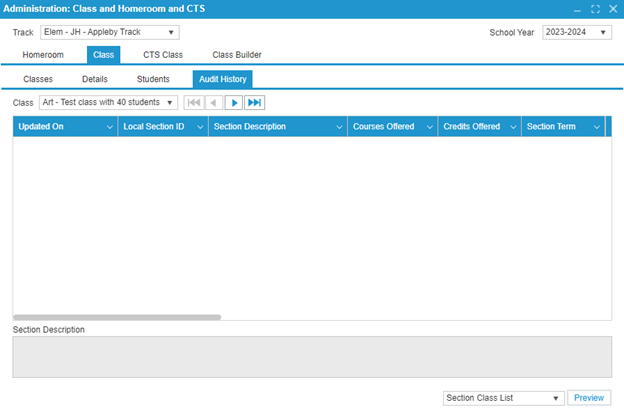
¶ Class
The Classes subtab shows all of the classes that have been created at the school. Only one track is shown at a time, so if you cannot see a class, please confirm that the track is correct.
Classes from previous school years can be viewed by using the School Year dropdown in the top right corner. You can also create classes in advance for the next school year using the same dropdown.
- To edit a class, double-click on a row.
- To create a new class, click on the New button.
In either case, the system will open the Details tab.
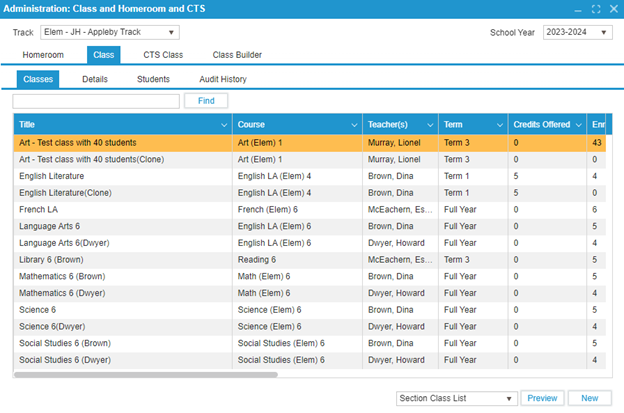
The Details subtab allows the user to configure class details. To create a new class, click the New button. Then, follow these steps:
- Enter the class Title.
- Select a Course.
- Select a Teacher.
- Select a Language.
- Select how the class will be Delivered.
- Select a Term (or full year).
- Select whether Attendance will be tracked (usually No if students are in homerooms).
- Select when during the Bell Schedule the class will run. Multiple boxes can be selected if the class runs multiple times a week.
Note: If you do not see the desired course in the course dropdown, ask a school administrator to add the course to the course catalog.
For detailed information on how the Term and Accumulated dropdowns affect the class, please refer to the Grading Quick Guide
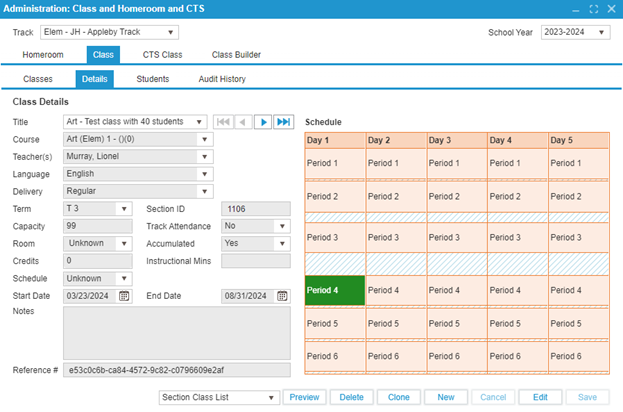
The Students subtab is designed to add students to classes. To add students to the class, follow these steps:
- Click the Add button in the bottom right.
- Use the Search popup to select the desired students.
If the school allows students to request the course, students can also be added based on course requests.
- Click the Show Requests checkbox in the top right to display the requests.
- Use the arrow buttons to add the students who have requested the course into the class.
The seating plan for the course can be set in this subtab using the Seating button.
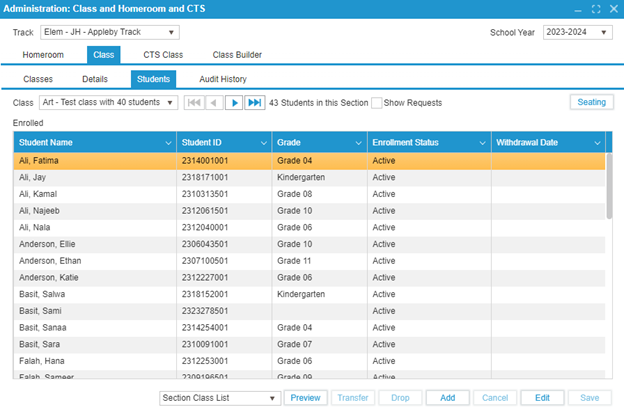
The Audit History subtab is intended to show the editing history of each class. This feature is a PASI requirement.