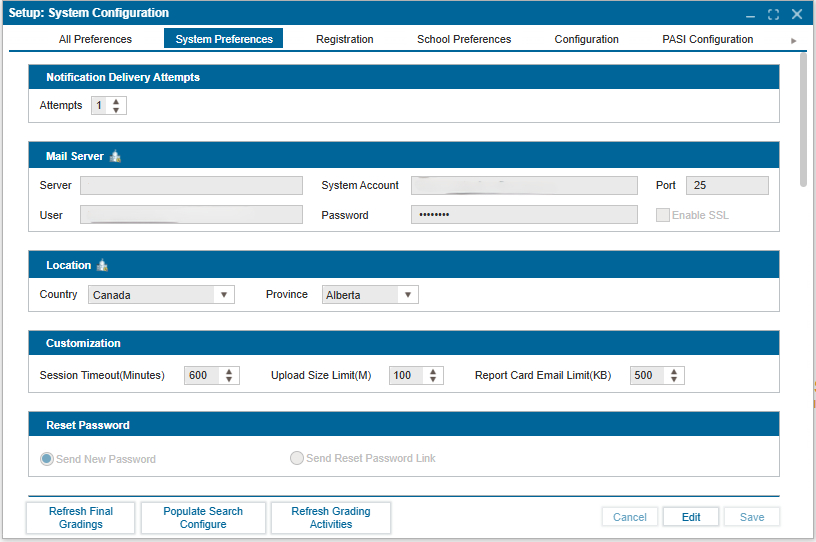
¶ System Preferences
The system preferences control the system parameters for the whole district. This is set by administrators with district-level user access.
¶ Setting Up or Modifying System Preferences
- Navigate to Setup >> System Configuration.
- Click on the System Preferences tab.
- In Edit mode, enter the necessary information in the editable fields (fields that are not greyed out).
- Click Save to confirm changes.
¶ Action Buttons
- Refresh Final Gradings: Click this button if there have been any changes to grading weighting schemes.
- Populate Search Configure: Click this button if any changes have been made to search configurations.
- Refresh Grading Activities: Click this button to add new grading activities.