¶ Configuration
¶ Setting Up Configuration Parameters
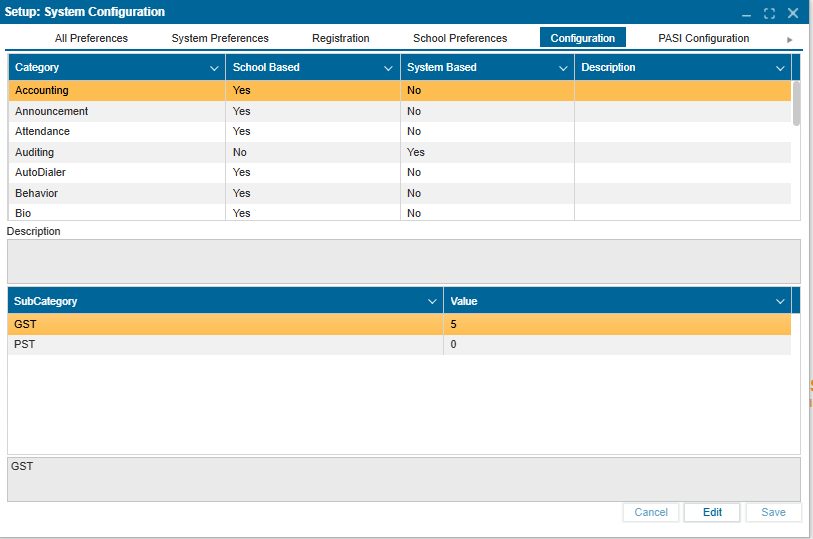
- Navigate to Setup:System Configuration >> Configuration tab.
- Click Edit to enable modifications.
- Select a Category.
- In the second window below, select a Subcategory.
- Double-click on the Value to make changes.
- Click Save to confirm and apply changes.