¶ Clean Up
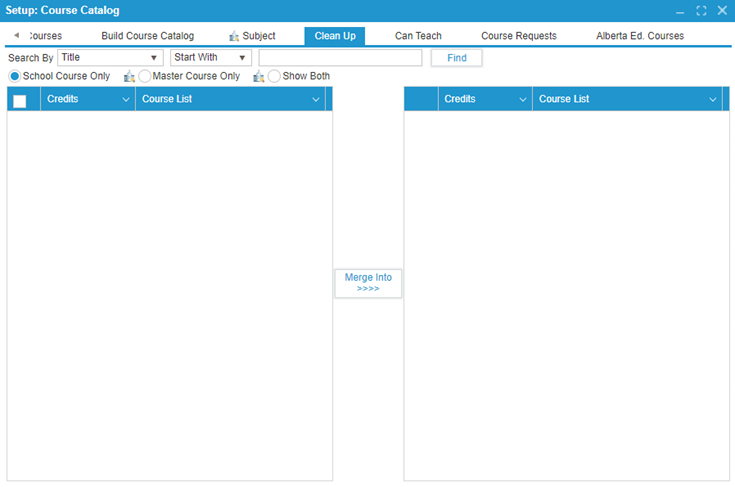
The purpose of this tab is to allow the admin user to merge duplicate courses.
¶ Merging Duplicate Courses:
- Select the duplicate course from the left table.
- Select the correct version of the course from the right table.
- Click the Merge Into button to combine the duplicate course into the correct version.
This process ensures that all course data is consolidated into a single, accurate record.