¶ Teacher Comments
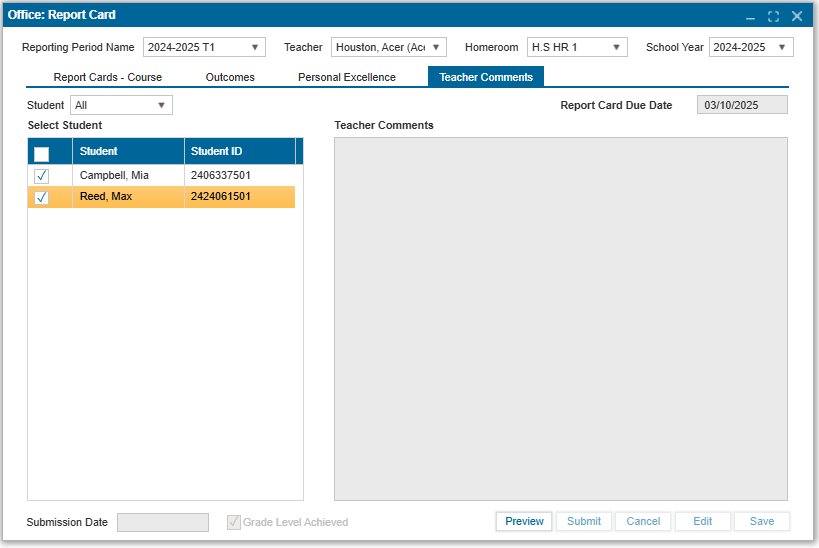
The Teacher Comments tab allows users to add comments that will appear on the student’s report card. The comments in the self-assessment field are reflected on the student's report card, while teacher comments are for internal use only.
¶ To Add Comments:
- Navigate to Office: Report Card > Teacher Comments tab.
- Ensure you are in Edit Mode.
- Type your comments into the free-text box.
- Save to confirm and apply the changes.
¶ Additional Features on the teacher comments tab:
- Preview: View a PDF version of the report card as it will appear to parents. This option allows the user to review the report before it is finalized.
- Submit: Finalizes the report card. Once submitted, no further changes can be made unless unlocked by an admin user.
Version: 256, Updated: April 15, 2025