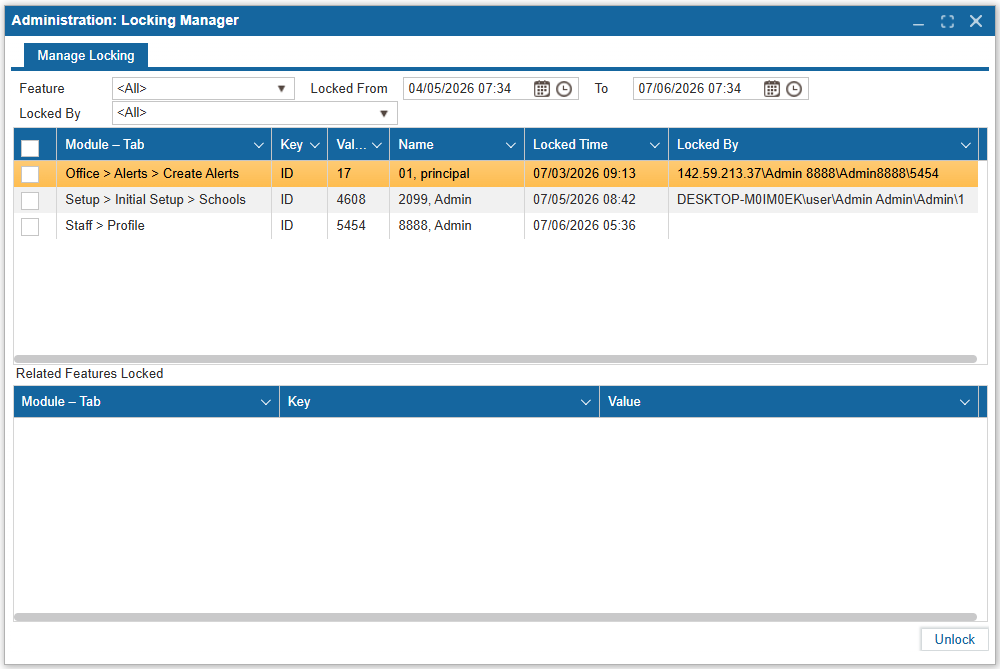
¶ Locking Manager
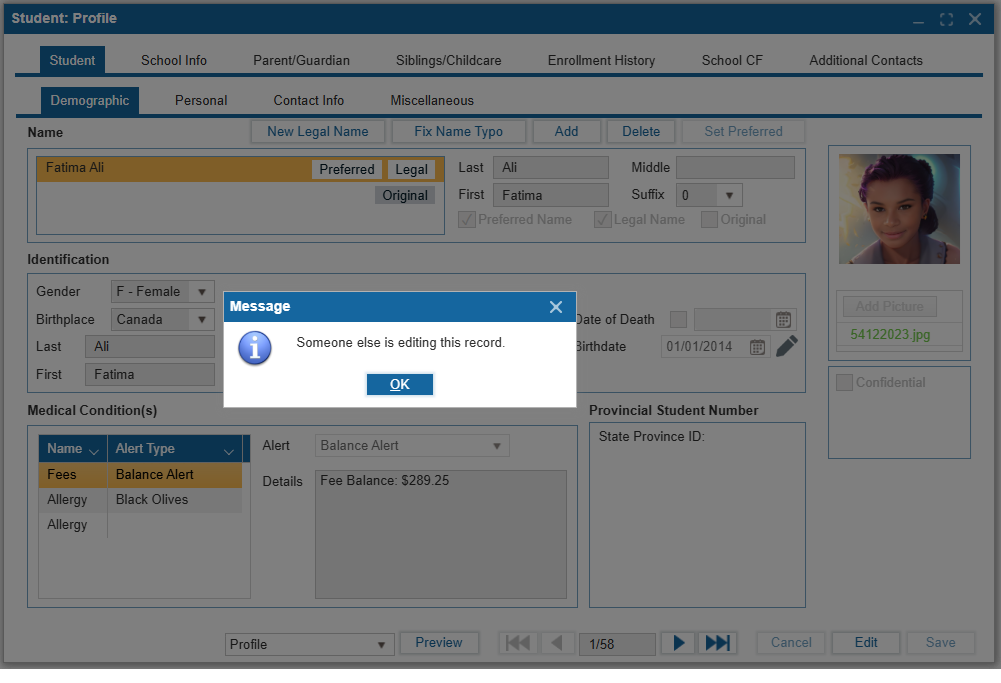
The ISMS restricts multiple users from modifying the same screens at the same time to ensure integrity of critical data and limiting interference with completing a task. The **Locking Manager** feature allows Administrators to unlock an ISMS locked screen after the following warning message appears:
¶ Manage Locking
This feature provides search functionality by Feature, Locked By user, and date range parameters to search dates further back in time. When many users rely on critical data such as a student's address, phone number, and grades, be rest assured that ISMS will inform staff that another user is currently updating the system and an Administrator can verify who and unlock screens accordingly.
- Click the Feature